QMidi compatibility chart and downloads
| Min Supported Mac OS |
Max |
QMidi version | QMidi Pro version | Release Date | |
|---|---|---|---|---|---|
| 10.13 (Hi Sierra) | Latest | Current (3.x) | Current (3.x) | 64bit | Latest |
| 10.11 (El Capitan) | 26 (Tahoe) | 2.15.1 | 2.15.1 | 64bit | Jan, 2026 |
| 10.9 (Mavericks) | 10.10 (Yosemite) | 2.11 | 2.11 | 64bit | Apr, 2024 |
| 10.6 (Snow Leopard ) | 10.8 (Mountain Lion) | 2.7.6 | 2.7.6 | 32bit | Feb, 2019 |
| 10.5 (Leopard) | 10.5 (Leopard) | 2.4.5 | 2.4.5 | 32bit | Sep, 2015 |
| 10.4 (Tiger) | 10.4 (Tiger) | 2.0.5.2 | 2.0.5.2 | 32bit | Apr, 2012 |
| 10.3 (Panther) | 10.3 (Panther) | 1.8.10 | 32bit | Mar, 2011 |
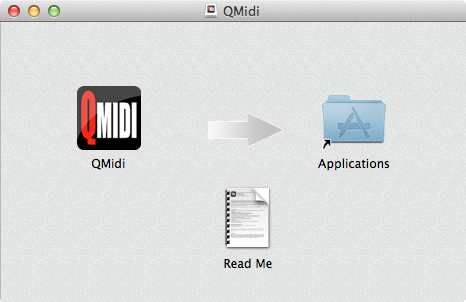
To install, double click the disk image file in your downloads folder and copy the "QMidi" application in the "Applications" folder.